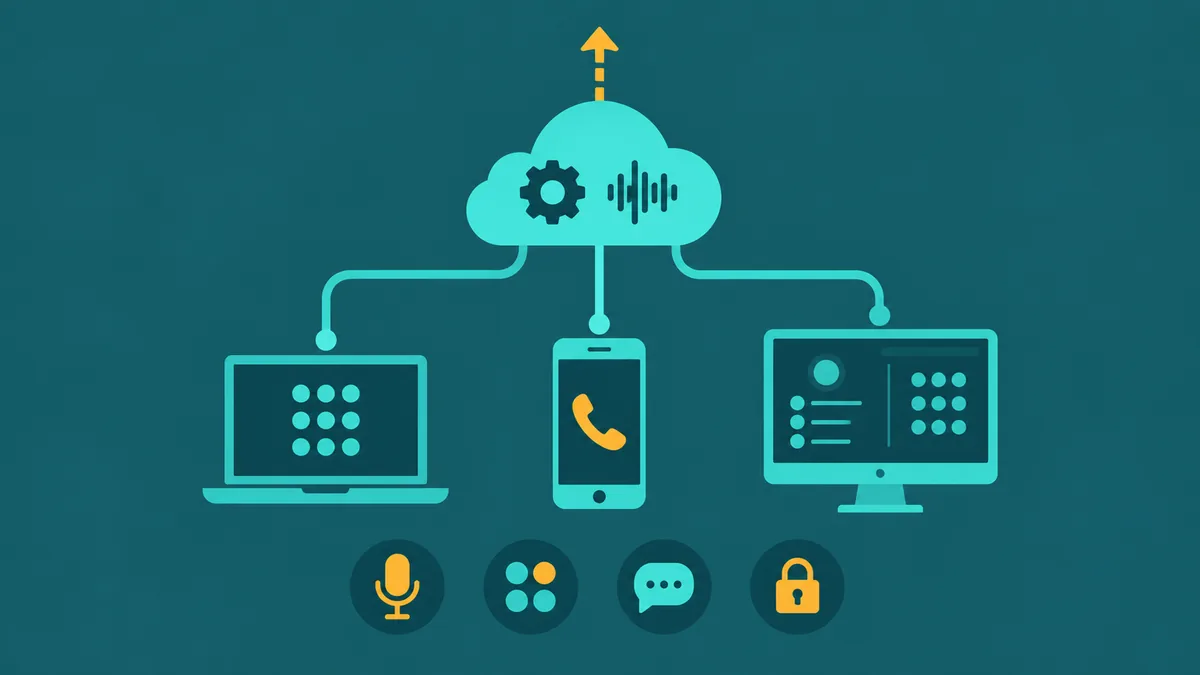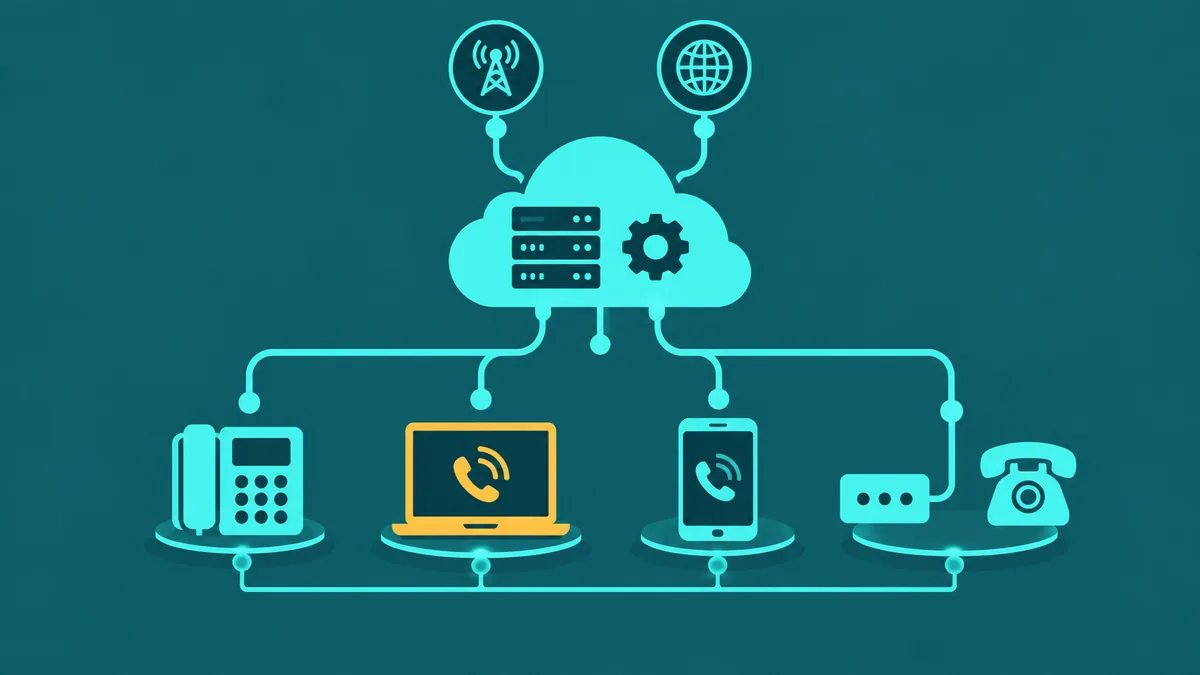

A business phone system is a communication layer, not a legal practice tool. For law firms — from solo attorneys to multi-practice offices — the phone system handles the calls that surround the practice: initial inquiries from prospective clients, calls from existing clients, routing to the right attorney or team, after-hours coverage, and the administrative coordination that keeps operations running. Getting that layer right reduces missed calls, improves responsiveness, and supports the kind of professional communication environment that client relationships require.
Cloud VoIP has largely replaced on-premise PBX hardware in professional services settings because it delivers more routing flexibility, better remote access, and lower maintenance overhead. But law firms have considerations beyond the typical small-business evaluation — particularly around call recording, confidential communications, and the mobility needs of attorneys who work away from the office. This guide covers all of them.
What is VoIP for law firms? VoIP for law firms is a cloud-based business phone system used by attorneys and legal offices to replace legacy PBX infrastructure for client-facing and internal communication. It routes inbound calls by attorney, practice area, or department; supports remote and mobile access for attorneys working outside the office; handles after-hours calls through IVR and AI-assisted answering; and provides call recording with configurable access controls. VoIP is a communication infrastructure tool — it is not case-management software, legal CRM, conflict-checking software, or any kind of legal research or document management system.
How law firms use their phone systems
Law firm phone traffic tends to follow recognizable patterns. Understanding these patterns helps when evaluating whether a VoIP platform's feature set actually matches how the firm operates.
Incoming client and inquiry calls. The first call to a firm is often the most consequential. Calls from prospective clients, existing clients, opposing counsel, courts, and administrative contacts all arrive on the same main line. An IVR can direct callers to the right person or team immediately — by practice area, by attorney name, or by department — rather than requiring every call to reach a live receptionist for manual transfer.
Attorney direct numbers. In many firms, clients expect to reach their attorney directly. VoIP systems assign direct inward dial (DID) numbers to individual attorneys, routing calls to their extension regardless of whether they are at a desk, working remotely, or using a mobile device. This preserves client-facing continuity while giving the firm centralized control over the number infrastructure.
Practice-area routing. Multi-practice firms often route calls by practice area — family law, criminal defense, immigration, business formation — so that callers who identify their need reach the right team without being transferred multiple times. Skills-based and menu-driven routing handles this without requiring a receptionist to manually sort every call.
After-hours handling. Client calls do not stop at close of business. After-hours IVR menus can provide recorded information (office hours, directions, emergency contact procedures), collect caller details and callback numbers, or route urgent calls to on-call staff through time-based routing rules. An AI Receptionist can handle these calls conversationally, collecting basic caller information and routing appropriately — see the AI section below for scope details.
Remote and mobile attorney access. Attorneys who work away from the office — in court, at depositions, at client meetings, or from home — need access to business calling from wherever they are. A softphone application or mobile extension allows attorneys to make and receive calls on their business number from any device. See the remote business phone guide for how cloud VoIP supports distributed workforces.
Voicemail and message management. When an attorney is unavailable, callers should be able to leave a message. Voicemail-to-email delivers recorded messages as audio attachments, allowing attorneys to review messages from any device. This is particularly useful for attorneys who cannot check a desk phone for hours at a time.
Call transfers and internal coordination. Staff-to-staff transfers, warm transfers between attorneys, and routing between the reception function and the attorney's extension are everyday operations. Cloud VoIP supports both warm and cold transfers, conference bridging for multi-party calls, and hunt groups that ring multiple extensions before falling through to voicemail.
Features law firms may evaluate
The relevant features for a law firm span routing, mobility, recording, and administration. Not every feature is relevant to every firm — a solo attorney has different needs than a 20-attorney office with a dedicated administrative team.
- IVR and call routing: Multi-level IVR menus route callers to the right attorney, practice area, or department without manual intervention. Time-based routing separates business-hours and after-hours behavior.
- Call queues: When staff are busy, call queues hold callers with position announcements rather than returning a busy signal or rolling to voicemail unexpectedly.
- Softphone and mobile access: Applications that allow attorneys to make and receive calls on their business number from a laptop or mobile device — useful for attorneys working away from the office. See softphone overview.
- Voicemail-to-email: Delivers voicemail recordings as email attachments so attorneys can review messages without physical access to a desk phone.
- Call recording: Records inbound and outbound calls with configurable access controls. Relevant both for documentation and quality review. See the recording section below for consent and confidentiality considerations.
- Recording access controls: Role-based restrictions that limit which users can access, play back, or download recordings. Access events should be logged.
- Configurable recording retention: Controls that set how long recordings are stored and when they are automatically deleted, aligned with the firm's record-retention policies.
- AI-assisted initial call handling: AI voice systems that answer calls, collect basic caller details, and route to the appropriate person. Scope boundaries apply — see the AI section below.
- Analytics: Queue wait times, call volume by period, and missed-call tracking help operations managers evaluate whether staffing and routing are working as intended.
Client confidentiality and communications technology
Attorneys have professional obligations concerning the confidentiality of client information. Those obligations are governed by professional-conduct rules that vary by state bar and jurisdiction. A business phone system is part of the communication infrastructure through which client information may pass — calls, voicemails, recordings, and transcripts can all contain information related to client matters.
When evaluating a VoIP provider, law firms may therefore consider:
- How voice traffic is protected in transit between endpoints and the cloud platform
- Who within the firm — and within the vendor's organization — can access recorded calls
- What access logging or audit trail covers access to recordings and system configuration
- What administrative security controls are available (user roles, authentication, session management)
- How long recordings and call data are retained, and whether automated deletion is configurable
- What the vendor does with call data — particularly AI-generated transcripts and summaries — and how that data is protected
These are practical technology considerations, not a legal compliance framework. The specific professional-conduct obligations that apply to a lawyer or firm depend on the rules of the state bar(s) where the lawyer is licensed or the matter is pending. Firms should evaluate their specific obligations with qualified legal and ethics counsel.
Attorney-client privilege is a distinct legal doctrine that protects certain attorney-client communications from compelled disclosure in proceedings. It is not a feature or property of the phone system being used. Using VoIP does not by itself create or guarantee privilege, nor does it destroy privilege — those are legal and factual questions determined by the nature of the communication and the circumstances around it.
Call recording considerations
Law firms that record calls should be aware of recording-consent requirements before deploying recording across their call traffic. Federal law (18 U.S.C. § 2511(2)(d)) contains a one-party-consent provision that allows recording of a telephone call when at least one party to the call has consented. However, a number of states impose stricter requirements — including requiring all parties to the call to consent before recording begins. Because law firms regularly communicate with clients, courts, and opposing counsel across state lines, the applicable consent requirements may vary by call.
Firms should determine the recording-consent rules applicable to their calls with qualified legal counsel before enabling or expanding recording. This is a jurisdiction-specific legal question, not a universal policy that any single framework resolves.
Beyond consent, recordings of client calls can contain confidential information relating to client matters. Firms should consider:
- Who can access recordings — configure role-based access so that only appropriate personnel can play back or download recordings from client calls
- How long recordings are retained — establish a written retention policy and configure automated deletion to match it
- Whether the vendor retains copies of recordings independently, and how those are protected
- Whether AI-generated transcripts and call summaries are covered under the same access and retention controls as the recordings themselves
- How recording consent will be communicated — configurable consent-notice playback at the start of recorded calls is one mechanism
EaseDial provides configurable recording access controls, configurable retention and deletion, recording consent notice playback, and role-based access logging. See call recording and what is call recording for feature detail. EaseDial provides these controls for organizations to configure — it does not determine the consent or confidentiality requirements applicable to a firm's specific calls.
Remote and mobile attorneys
Attorneys who work away from the office — in court, at depositions, at client sites, at home — need to remain reachable on their business number without forwarding calls to a personal mobile number or missing client calls entirely. Cloud VoIP addresses this through softphone applications that extend a business extension to any device. The attorney's direct number rings on their laptop or mobile phone regardless of location; outbound calls display the business number rather than a personal one.
For firms with multiple attorneys working remotely or across multiple offices, cloud VoIP provides the same routing, transfer, and voicemail features to every user without requiring separate on-premise hardware at each location. Centralized administration means the firm's IT manager or administrator configures and manages all users from a single portal.
From a security standpoint, voice traffic on a cloud VoIP platform travels encrypted in transit. Attorneys should use the VoIP application over a reliable network connection; VoIP call quality on congested networks or consumer-grade home connections can degrade. For a detailed discussion of remote phone system architecture, see remote business phone system setup.
After-hours handling and initial caller collection
After-hours calls present a specific challenge for law firms. Prospective clients in urgent situations may call after business hours; missing that call can mean losing the engagement. Existing clients with time-sensitive matters expect to be able to reach someone or at least leave a message that will be acted on.
Time-based routing rules handle the after-hours transition automatically: when the office closes, calls route to a different IVR menu or directly to an after-hours AI Receptionist rather than ringing unanswered. Callers can be offered the option to leave a message, request a callback, or hear recorded information about office hours and location.
An AI Receptionist can handle after-hours calls conversationally: collecting caller name and contact information, capturing a general reason for calling, and routing to the appropriate voicemail or on-call contact. EaseDial's AI Receptionist is designed to handle initial call-handling functions — answering the line, answering common questions about hours and location, collecting basic caller details, and routing — not legal matters.
EaseDial's AI Receptionist feature documentation explicitly states that it does not handle legal, medical, or sensitive matters. Accordingly, the AI should not be configured to discuss legal issues, evaluate inquiries for case merit, perform any form of conflict screening, or take on any function that requires professional judgment. The AI's role in a law firm context is strictly: answer the line, collect basic contact information, route to the right person or voicemail.
Questions to ask a VoIP provider
When evaluating a VoIP provider for a law firm, the following questions can help surface capability gaps and potential issues before committing to a platform.
On security
- How is voice traffic encrypted in transit — what protocols are used for signaling and media?
- What account-access controls are available — roles, permissions, multi-factor authentication?
- What administrative activity is logged, and for how long?
- What security certifications or audits has the platform undergone?
On call recording
- Can recording be enabled selectively by queue, extension, or call type rather than globally?
- What controls are available for recording consent notice playback at the start of calls?
- Who can access recordings — and at what permission level?
- What retention and automated-deletion controls exist?
- Does the vendor retain copies of recordings, and how are they protected?
- How are AI-generated transcripts and call summaries stored, accessed, and deleted?
On mobility and routing
- Can attorneys use business calling from mobile devices and laptops when away from the office?
- How are direct attorney numbers and practice-area routing configured?
- How does after-hours routing work, and how quickly can it be updated?
- What happens to calls if the internet connection at an office goes down?
On AI and integrations
- What information does the AI system collect from calls, and where is it stored?
- What types of calls is the AI system designed NOT to handle?
- When and how does the AI transfer to a human — what context is passed?
- Which practice-management, CRM, or workflow integrations are supported for your specific deployment?
How EaseDial supports law-firm communication
EaseDial provides the communication infrastructure that law firms use to manage inbound calls, routing, recording, and remote access. It is a phone system — not practice-management software, CRM, conflict-checking software, or legal document management.
Confirmed platform capabilities relevant to law-firm communication:
- IVR and call routing: Multi-level IVR and call routing direct incoming calls by attorney, practice area, or department. Time-based routing handles after-hours transitions automatically.
- AI Receptionist: The AI Receptionist answers calls 24/7, responds to common questions about hours and location, collects basic caller contact details, and routes to the appropriate person or voicemail. It does not handle legal, medical, or sensitive matters — that scope boundary is by design.
- Call queues: Call queues manage inbound volume with caller position announcements and overflow routing.
- Call recording: Automatic and on-demand recording with AI transcription, configurable access controls by role and queue, configurable retention and deletion, and recording consent notice playback at the start of calls. See call recording.
- Softphone and mobile access: Attorneys access their business extension from any device. See softphone overview.
- Voicemail-to-email: Voicemail recordings delivered as audio attachments so attorneys receive messages away from the office.
- Analytics: Call volume, queue wait times, and missed-call data visible in real time and historical reports.
- Encryption in transit: SIP signaling encrypted using TLS. Voice media encrypted using SRTP.
- Role-based access controls: Admin, supervisor, and agent roles with different permission levels. Two-factor authentication available for admin accounts.
- Audit logging: Administrative console activity — configuration changes, user provisioning, access events — is logged.
For security and compliance configuration detail, see EaseDial Security and EaseDial Compliance.